Launch
Oplema is live
Oplema is available today, November 8, 2026. Build data flows and dashboards in your browser, with AI assistance and version history in the same project.
Nov 8, 2026 · 3 min read · Oplema
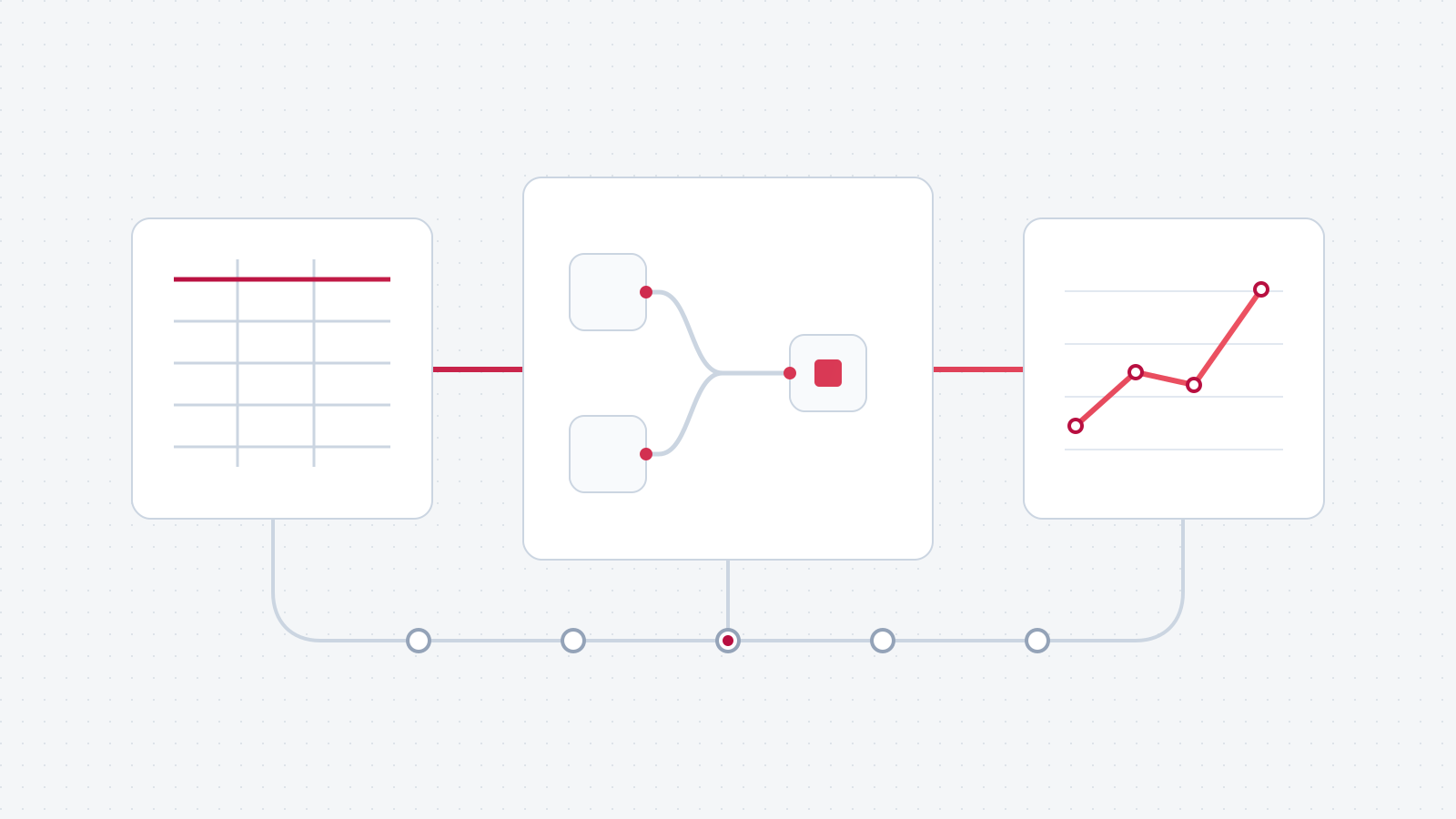
Open Strata. Bring a file.
You can open Strata without installing anything or signing up. Add a local file, build a flow and run it on your computer. Local work is free. You don't need a paid plan to find out whether Oplema is useful to you.
A project contains a Strata flow and a Vista dashboard. Elara, Oplema's AI assistant, can help build and analyze the work. Echo keeps the version history. Cloud stores files and projects, and Console manages teams, storage and usage.
Here's what each part does.
Prepare and transform data.
Strata is Oplema's browser app for data prep. Add inputs, filter rows, join datasets, calculate columns and summarize results. Connect the blocks to define the order of the work. Inspect data at a step and edit its settings, or work in the script view.
For example, combine orders with a store lookup, remove canceled orders and calculate contribution after refunds, product costs, shipping and payment fees. Group the result by month and store format, then export it or use it in a dashboard.
That's the flow in our million-row browser test. The article explains the tested flow, PC specifications, method and measurements. Local execution uses your computer; larger or different workloads will have different requirements.
Build dashboards.
Vista is the dashboard editor. Add charts, tables, text and filters, arrange them on the canvas and connect them to data. The dashboard belongs to the same project as the flow.
For the store analysis, you could show monthly contribution as a trend, compare store formats and include a table of the values. If the calculation needs to change, edit the flow and inspect the updated result. The preparation and presentation remain together.
Ask AI to work on the project.
Elara can build and edit Strata flows and Vista dashboards. It can run a flow, inspect sample results, help correct errors and help analyze the output. It can also look up block documentation before making a change.
Ask it to add a grouping by store format, for example, and the change appears in the actual flow. You can inspect the settings and result yourself. Elara can make mistakes; the logic remains editable and its changes can be reviewed in Echo.
Hosted models can receive your prompt, relevant project scripts and sample data that Elara inspects. Running a workflow locally does not mean a hosted AI conversation stays local. The Elara documentation covers model setup and behavior.
Review changes and keep earlier versions.
Echo keeps versions of the flow and dashboard. Compare changes to logic, canvas layout or scripts. Open an earlier version to return the project to that point; later versions stay in the history.
This applies to your own edits and Elara's work. You can try another calculation without overwriting the only version you trust, then inspect the difference before deciding which approach to keep.
Store projects. Manage the team.
Cloud stores files and projects in folders. A project contains its flow, dashboard and history. You can share access with people or teams and assign roles. Input files have their own permissions, so sharing a project does not automatically grant access to every file it uses.
Console is where you manage team members, access, storage and shared usage. There are no seat fees. A team's bill depends on the services it uses, rather than the number of people invited.
Sign up to keep your work beyond a guest session. Guest access is for trying the product, not permanent storage. Cloud storage includes project history as well as uploaded files.
Local work is free. Cloud is charged by usage.
We charge for built-in Elara usage, hosted runs and data transfers. Plans include monthly usage shared across the team. Adding a colleague doesn't add a seat charge.
The pricing page lists the services, rates and free allowances. Console is where you organize a team. Learn has guided exercises, and the documentation explains the tools and settings.
Open Strata to build a flow, or open Vista to start with a dashboard.
Now try it with your data.
Start a free project in your browser. You don't need to sign up or add a credit card.